PanelProject
Project members
A member of a project holds a project role there, which adds to their organization role. A person with Project members changes the members.
Who can do it
Only a project admin or an organization admin.
1
Step 1: Open the Members tab
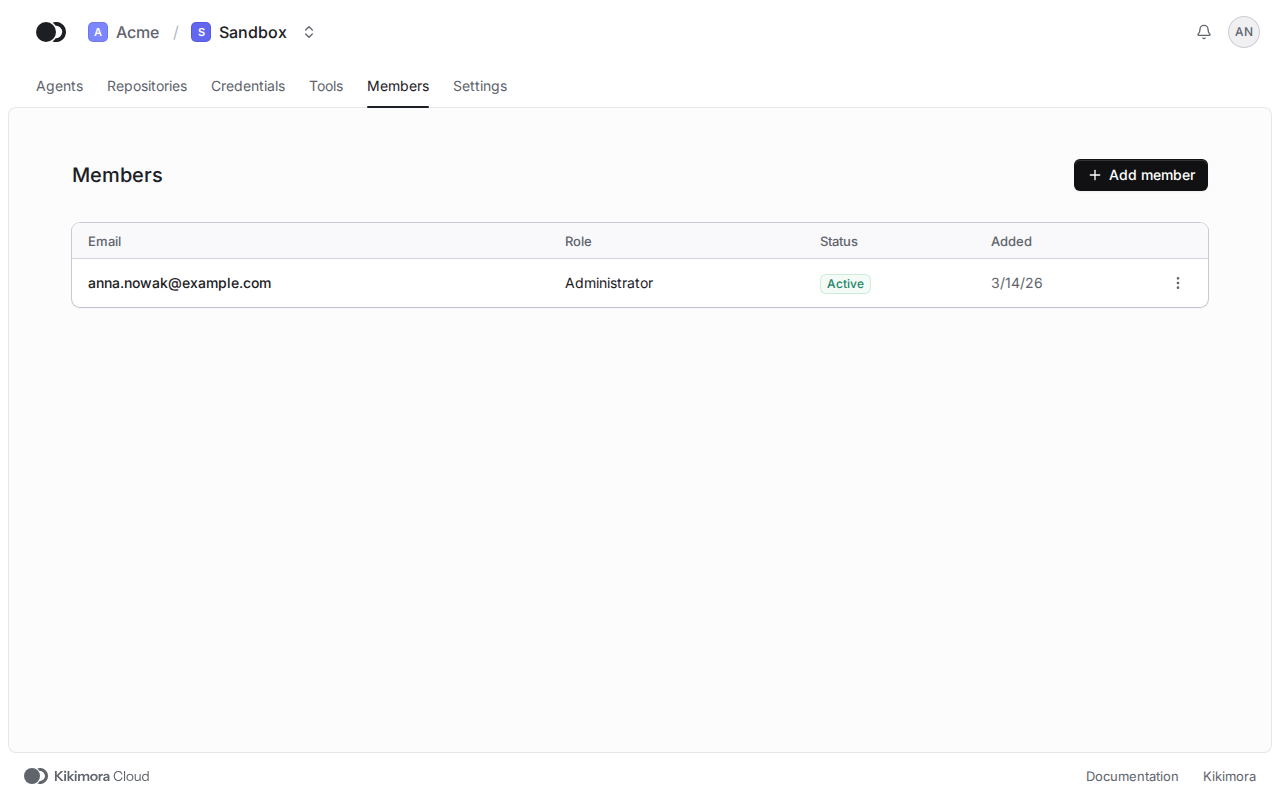
In the project, open the Members tab and click Add member.
2
Step 2: Pick the person and the role
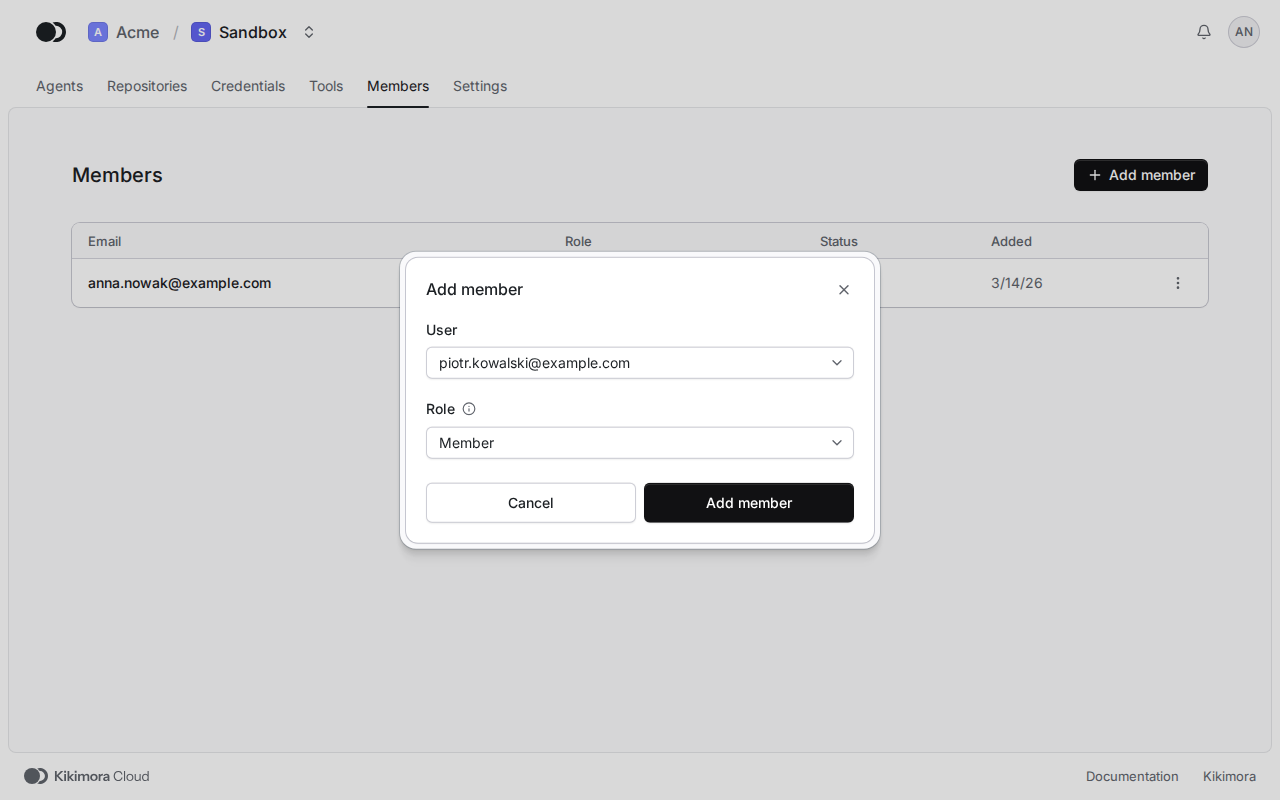
Pick a person of the organization and a role from the list of project roles, then click Add member. Change role in the menu of a member changes it later.
You put project roles together on the Roles tab of the organization.
Matches the panel at cloud.kikimora.dev.